
Description
Product Description

-
Connection Operation
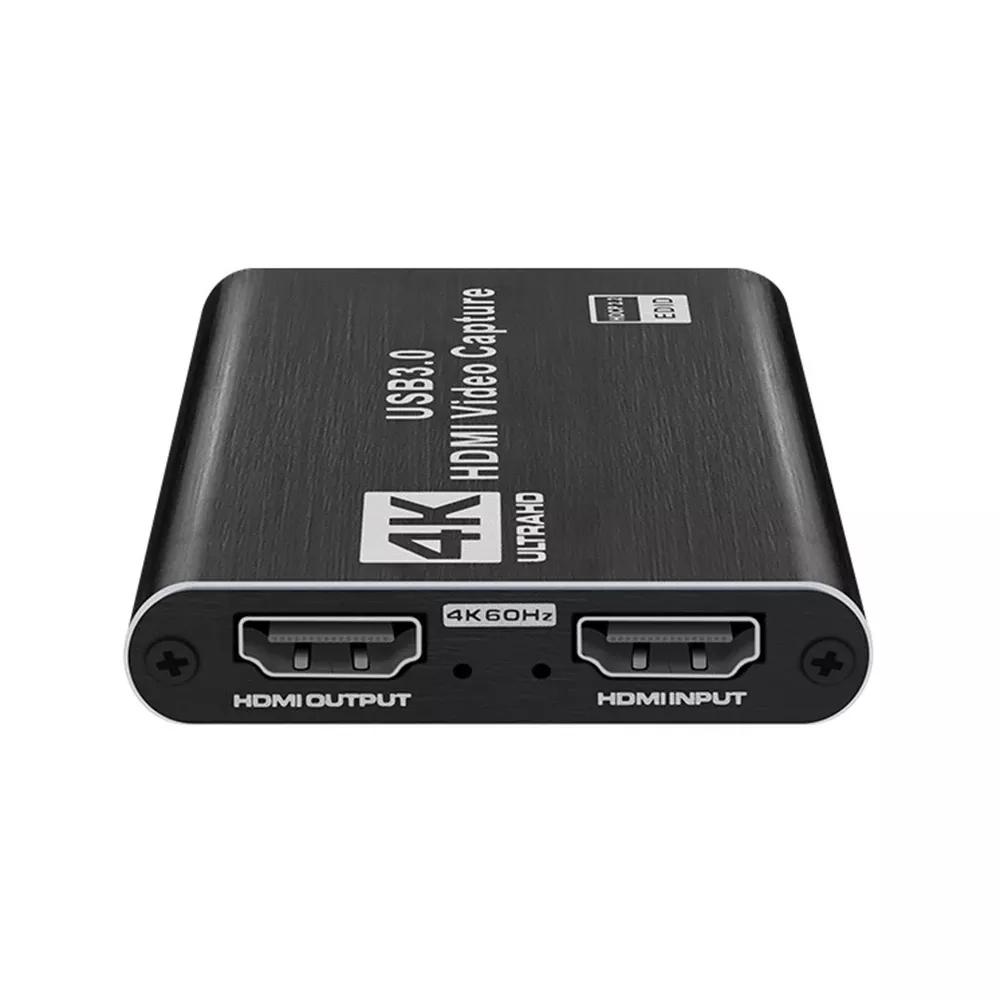
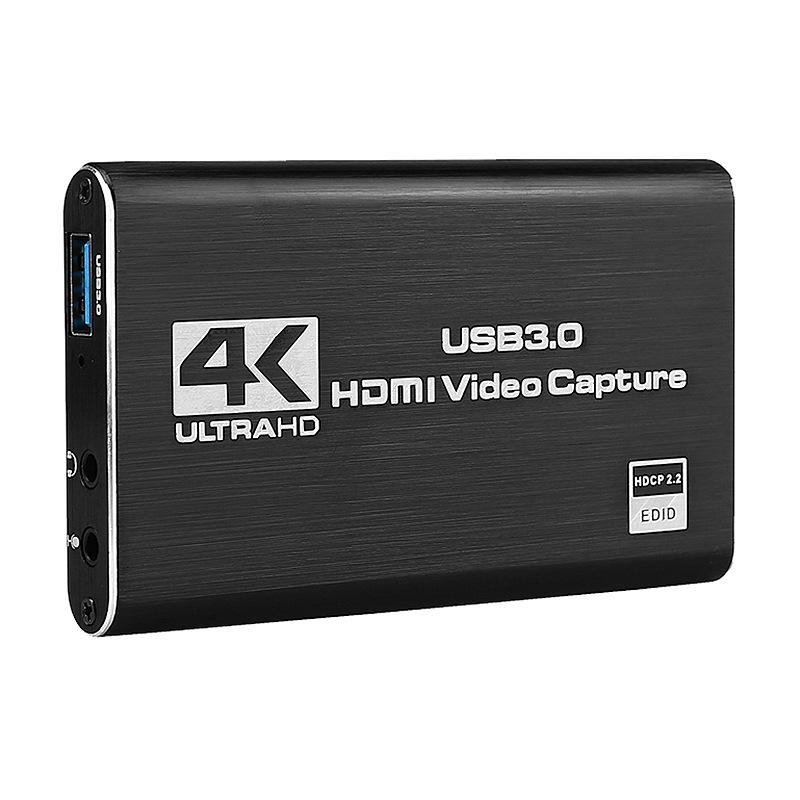
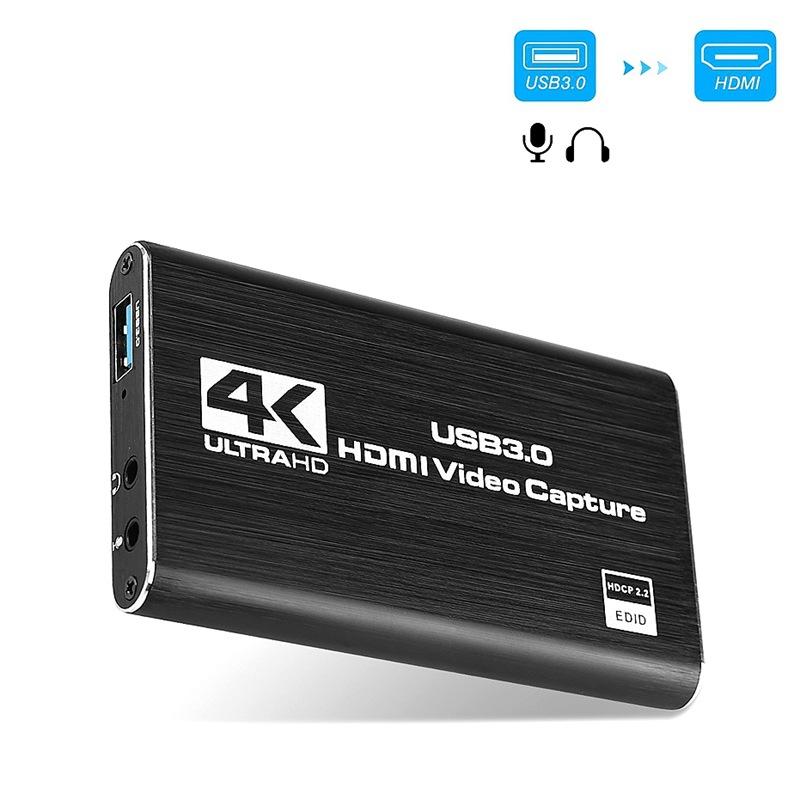
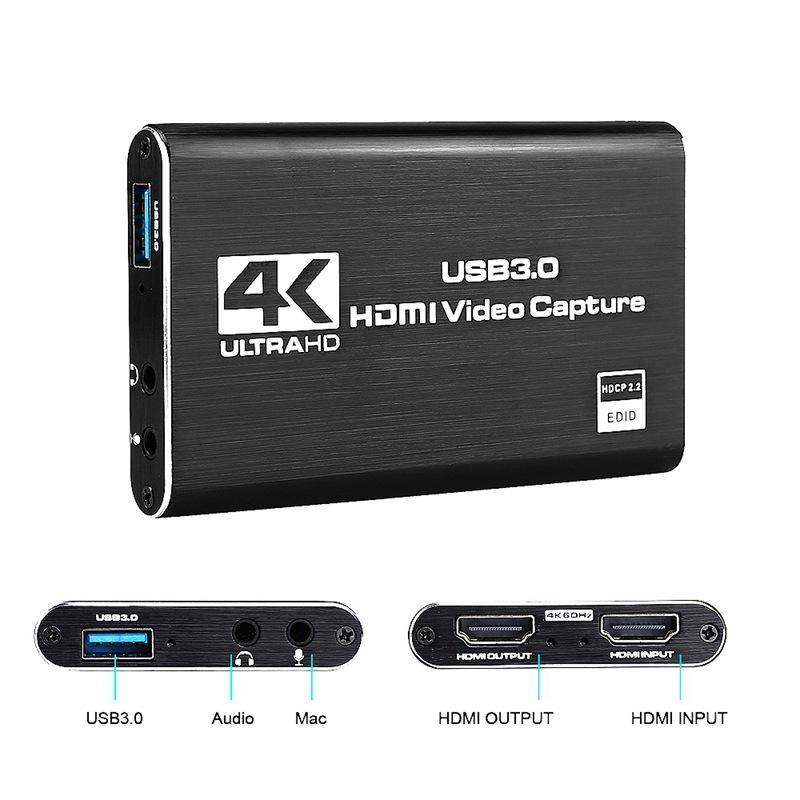
1. Connect the USB port of the video capture card to the USB port of the computer.
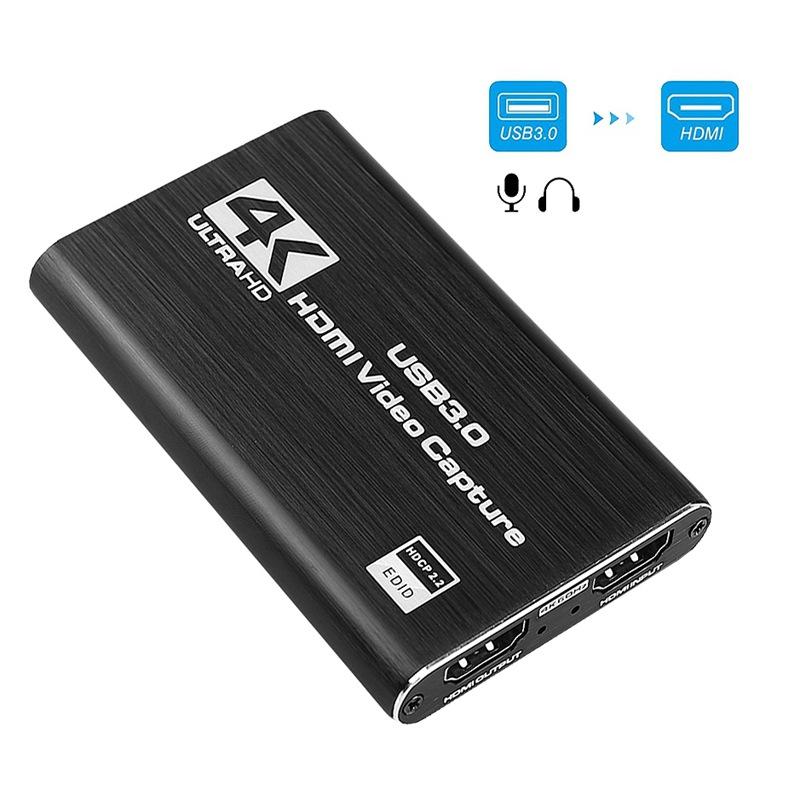
2. Use the HDMI-Compatible cable to connect the “HDMI-Compatible IN”interface of the capture card to the HDMI-Compatible output
port of the video source device to be captured, and use another HDMI-Compatible cable to connect the “HDMI-Compatible OUT”
interface of the video capture card to the display device,
3. Insert the microphone into the MIC interface of the capture card
4. Connect the headset or sound system to the R/L interface of the capture card, and the preliminary installation and connection
work is completed.
2. Use the HDMI-Compatible cable to connect the “HDMI-Compatible IN”interface of the capture card to the HDMI-Compatible output
port of the video source device to be captured, and use another HDMI-Compatible cable to connect the “HDMI-Compatible OUT”
interface of the video capture card to the display device,
3. Insert the microphone into the MIC interface of the capture card
4. Connect the headset or sound system to the R/L interface of the capture card, and the preliminary installation and connection
work is completed.
Note:
Computer hardware configuration requirements
CPU: PC i5-3400 or above; NB i7-3537U 2.0GHZ or above
Graphics card: PC NVIDIA GT630 or above; NC NVIDIA GT35M or above
Storage: 4G RAM
CPU: PC i5-3400 or above; NB i7-3537U 2.0GHZ or above
Graphics card: PC NVIDIA GT630 or above; NC NVIDIA GT35M or above
Storage: 4G RAM


Details Images

Product Usage








 _ USA dollar
 _ Hong Kong Dollar
Reviews
There are no reviews yet.